|
Nginx - Enable SSL
2013/07/07 |
|
Enable SSL setting.
|
|
| [1] | |
| [2] | Configure existing default site to access with normal connection and SSL encrypted connection. |
|
[root@www ~]#
vi /etc/nginx/conf.d/default.conf # add like follows in a "server" section
server {
    listen       80 default_server;
listen 443 ssl;
server_name www.srv.world;
    ssl_certificate      /etc/pki/tls/certs/server.crt;
    ssl_certificate_key  /etc/pki/tls/certs/server.key;
/etc/rc.d/init.d/nginx restart Stopping nginx: [ OK ] Starting nginx: [ OK ] |
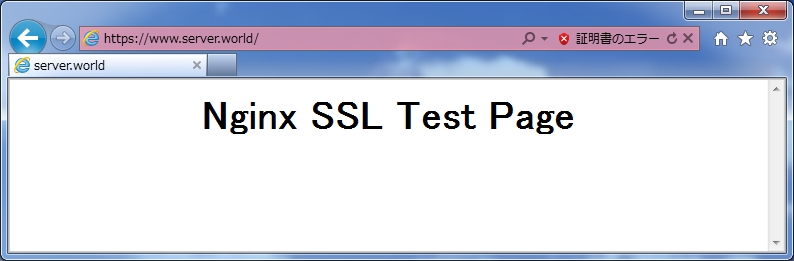
| [3] | Access to the default site with HTTP and HTTPS to make sure it works or not. |
|
| [4] | If you'd like to configure only SSL connection, Add new "server" section and set it like follows. |
|
[root@www ~]#
vi /etc/nginx/conf.d/ssl.conf # add at the last line
server {
    listen       443;
    server_name  www.srv.world;

    ssl                  on;
    ssl_certificate      /etc/pki/tls/certs/server.crt;
    ssl_certificate_key  /etc/pki/tls/certs/server.key;

    location / {
        root   /usr/share/nginx/ssl;
        index  index.html index.htm;
    }
}
/etc/rc.d/init.d/nginx restart Stopping nginx: [ OK ] Starting nginx: [ OK ] |